IT Issue Diagnosis
Help narrowing down errors, slow systems, access problems, server alerts, application issues, connectivity problems, and other technical issues affecting your business.
Remote IT Support • Windows Server Help • Business Troubleshooting
Get help diagnosing technical problems, supporting users, troubleshooting Windows Server environments, reviewing backup and storage issues, and resolving common business IT problems.
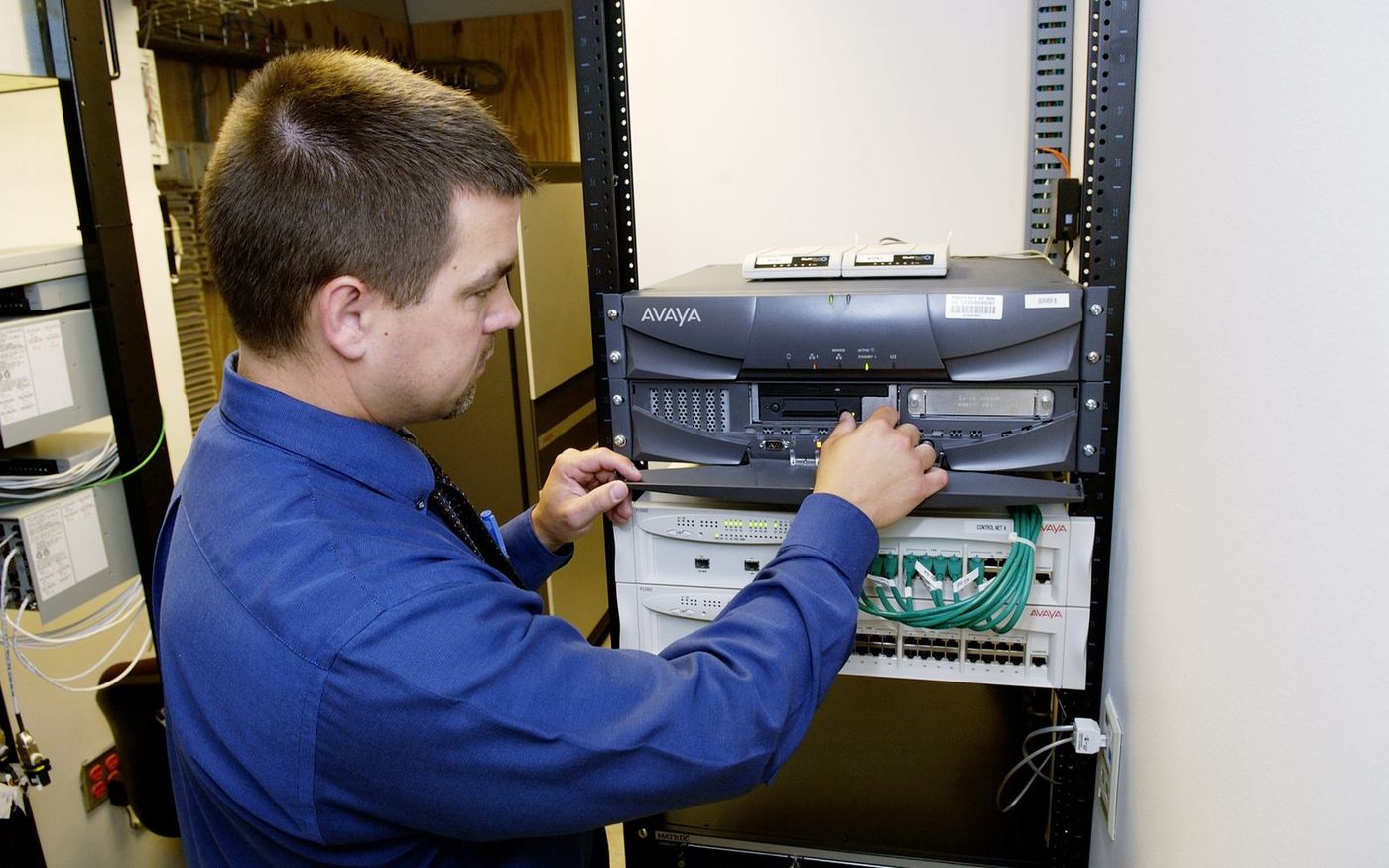
Remote IT support services
Help narrowing down errors, slow systems, access problems, server alerts, application issues, connectivity problems, and other technical issues affecting your business.
Remote assistance with Windows Server, storage access, networking basics, permissions, backups, file shares, and infrastructure troubleshooting.
Support for business computers, software issues, setup questions, user access, device problems, and general productivity disruptions.
Support examples
If you are unsure what the problem is, send the symptoms, screenshots, error messages, and what changed recently. We can help identify the next step.
Reviewing errors, alerts, logs, failed services, and recurring technical problems.
Help with file shares, permissions, software access, accounts, and login issues.
Troubleshooting backup failures, storage access, file issues, and capacity concerns.
Remote help with business computers, software, setup, and general troubleshooting.
Request IT support
Submit the secure form below. Your request will be sent directly to our support team, and we will reply to the email address you provide.
Helpful details
Clear details make it easier to understand the issue and recommend the right remote IT support step.
Include updates, new hardware, new software, configuration changes, power events, or user changes.
Tell us whether the issue affects one user, one device, one server, or the whole business.
Copy the exact error message or attach screenshots/logs before sending the support email.